What is ZIP?
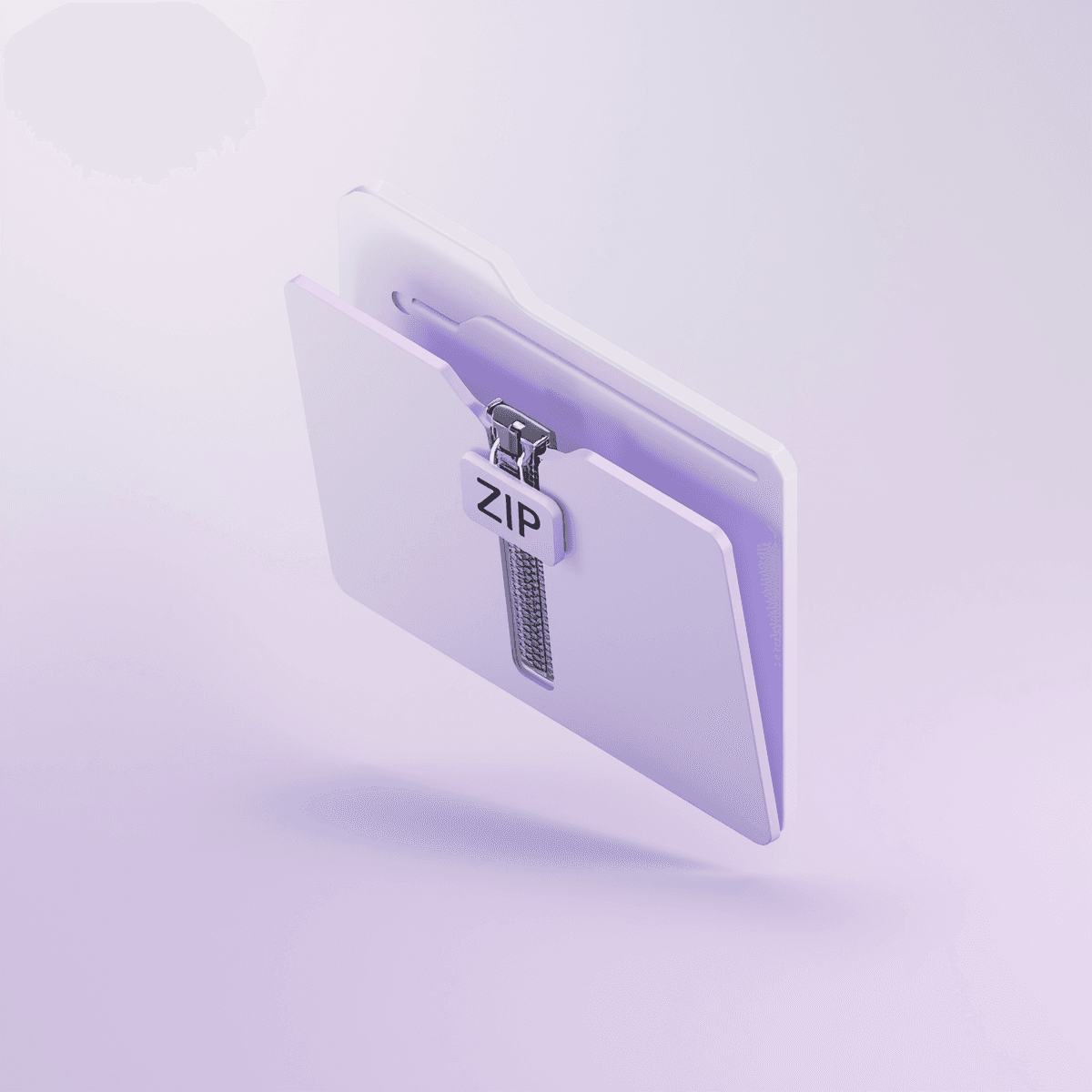
ZIP is a popular way to compress files, which helps save space on your device and makes file transfers faster. It works by putting one or more files into a single "zipped" folder, making it smaller. This makes it easier to share multiple files at once, especially when dealing with big files or folders.
How does ZIP compression work?
ZIP compression uses special algorithms to make files smaller. It finds and removes repeated patterns in the file, replacing them with shorter codes. This makes the file much smaller without changing the original content. When you unzip a file, the algorithm puts everything back to its original state.
What are the advantages of using ZIP files?
Using ZIP files has several benefits. It can make files smaller, save space on your device, and make it faster to transfer data. You can put many files into one ZIP file, making it easy to share lots of documents, pictures, or other data. ZIP files work on most operating systems, so you can use them easily.
Can I create a ZIP file on my computer?
Yes, making a ZIP file is easy on most computers. On Windows, you can choose the files you want to compress, right-click, and pick "Send to" and then "Compressed (zipped) folder." This creates a ZIP file with the files you chose.
Does ZIP compression affect file quality?
No, ZIP compression does not affect the quality of your files. It's a "lossless" process, meaning your files stay the same after being compressed and unzipped. This makes ZIP a good choice for saving and sharing files without worrying about losing data.
How does ZIP handle different file types?
ZIP can compress many types of files, like documents, pictures, videos, and spreadsheets. It makes them smaller, but some files, like already compressed music or video files, might not get much smaller.
Can I password-protect a ZIP file?
Yes, you can add a password to a ZIP file for extra security. This is useful when sharing sensitive information or controlling who can access certain files. When making a ZIP file, look for the option to set a password and choose one that's strong and easy to remember.
How does ZIP make file transfers faster?
ZIP makes file transfers faster by making files smaller. Smaller files are quicker to upload and download, especially when dealing with large amounts of data. This makes ZIP useful when bandwidth is limited or when sharing files over networks with varying speeds.
Can I use ZIP for programming?
Yes, ZIP is often used in programming to package and share code. Developers create ZIP archives to bundle files or entire projects, making it easier to share and deploy them. This simplifies the process and ensures all necessary files are included in the ZIP file.
How does ZIP help with web development?
In web development, ZIP files are used to package and compress website assets like pictures, stylesheets, and JavaScript files. This reduces loading times and improves website performance, making it smoother for users.
What's the role of ZIP in software installation?
ZIP plays a key role in software installation, especially when downloading applications online. Developers provide a ZIP file with all the necessary files for installation. Users download the ZIP, extract the files, and follow the installation instructions, making the process smooth and straightforward.
How can I use ZIP for data archiving?
ZIP is great for archiving data. You can create ZIP archives to store old files, documents, or projects, reducing their size and saving space. Archiving with ZIP also helps organize data, making it easier to find specific files when needed.
How does ZIP handle folders with multiple files?
ZIP handles folders with multiple files well. When you compress a folder, ZIP keeps the folder structure, so files are organized correctly when extracted. This is useful for complex projects or when maintaining the hierarchy of files in a compressed archive.
Can I automate ZIP processes in programming?
Yes, you can automate ZIP processes in programming using libraries or built-in functions in various programming languages. For example, languages like Python and Java have libraries that let you create, extract, and manipulate ZIP files programmatically, which is useful for large-scale data processing or routine tasks.
Can I use ZIP for backup purposes?
Yes, ZIP is often used for creating backups of important files and directories. By compressing files into ZIP archives, you can consolidate and organize your backup data, saving space and simplifying the process of managing and restoring backups.
How does ZIP enhance email communication?
ZIP helps with email communication by making it easier to share multiple files. You can attach a ZIP file to an email, sharing several documents, pictures, or other files as a single compressed archive. This streamlines the email attachment process and ensures the recipient receives a neatly packaged file.
Can I create a self-extracting ZIP file?
Yes, you can create self-extracting ZIP files, also known as executable archives. These files include the compressed data and an extraction program. When recipients run the executable file, it automatically extracts the contents without needing a dedicated unzip tool, making it easier for them to access the contents.
How does ZIP contribute to data integrity?
ZIP not only compresses files efficiently but also ensures data integrity. As a lossless compression method, ZIP guarantees that the content of your files remains unchanged during compression and extraction, which is crucial when dealing with critical data.
Can I use ZIP for organizing and managing files on my computer?
Yes, ZIP is a valuable tool for organizing and managing files on your computer. You can create ZIP archives to group related files together, reducing clutter and making it easier to find specific items. This is especially useful for large projects, diverse file types, or when creating a structured archive of documents, images, or other data on your computer.