What Is a JPEG File? A Beginner's Guide to the World's Most Popular Image Format
Imagine snapping a photo on your phone, sharing it instantly online, or storing thousands of pictures without running out of space — that's the everyday magic of JPEG (often written as JPG). This simple file type powers most digital photos you see today, from social media posts to family albums. Pronounced "JAY-peg," JPEG stands for Joint Photographic Experts Group, the team that created it.
In short: JPEG is a compressed image format that shrinks photo files dramatically while keeping them looking good enough for most people. It became the standard in 1992 and remains the go-to choice for billions of images every day.
The Origin of "JPG": The term "JPG" exists because older Windows operating systems (MS-DOS 8.3 and FAT-16) were limited to three-letter file extensions. The four-letter ".jpeg" was shortened to ".jpg" to comply.
Modern Compatibility: Today, Windows, macOS, and Linux all support both three- and four-character extensions equally.
Interchangeability: You can manually rename a file's extension from .jpg to .jpeg (or vice versa) without damaging the file or needing a converter, as the underlying encoding is identical.Meaning: Both are acronyms for the Joint Photographic Experts Group, the subcommittee that created the standard in 1992.
Why JPEG Matters in the Digital World
JPEG revolutionized how we handle photos. Before it, images were huge and hard to share. Thanks to clever compression, JPEG made digital photography explode — powering the internet, smartphones, and social media. As one expert summary notes, "JPEG has been the most widely used image compression standard in the world" since its introduction, enabling the massive spread of digital pictures.
Whether you're emailing a vacation snapshot or posting online, JPEG's small size means faster loading and less storage use. That's why your camera or phone defaults to it.
How JPEG Compression Actually Works
JPEG uses lossy compression — it smartly throws away details your eyes won't miss, like tiny color variations in a blue sky. The process involves:
- Converting colors to focus on what humans see best (brightness over fine color changes).
- Breaking the image into small blocks.
- Reducing data in those blocks.
You control the quality level: high quality means bigger files but sharper images; low quality shrinks files more but adds visible flaws (called artifacts).
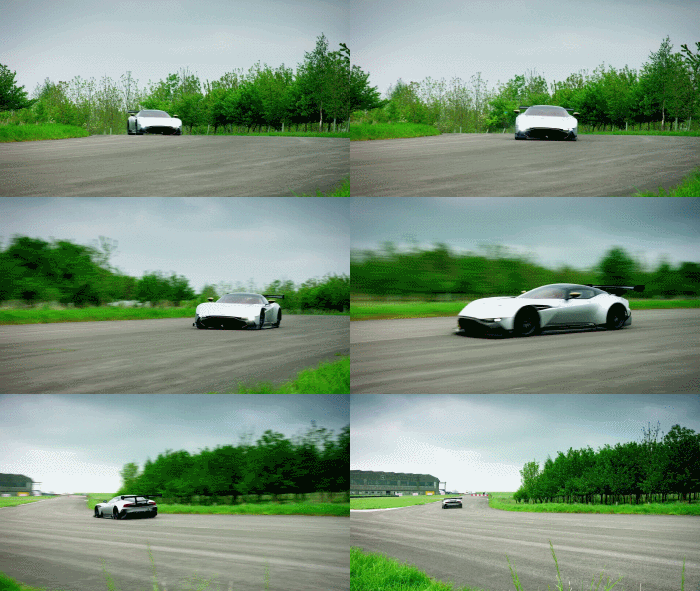
Check out these side-by-side example showing original vs. compressed versions — notice how high compression saves space but can introduce blur or blocks:

The quality drop is often minimal at good settings, as seen here where compression barely affects the look
Advantages of JPEG
- Small file sizes — Perfect for quick sharing, emailing, and websites.
- Supports millions of colors — Ideal for photos.
- Universal compatibility — Opens everywhere, from phones to computers.
- Adjustable quality — Balance size and clarity.
Disadvantages of JPEG
- Lossy nature — Quality drops permanently each time you edit and re-save.
- No transparency — Can't have see-through backgrounds.
- Artifacts on sharp details — Bad for text, logos, or line art (use PNG instead).
For photos: JPEG wins on size and speed. For graphics with text or transparency: Choose PNG (lossless, keeps perfect quality but larger files).
Tips for Beginners Using JPEG
- Save originals in high quality.
- Avoid repeated edits — quality degrades over time.
- Use tools like Filesage to compress without visible loss.
JPEG remains essential because it makes digital images practical and accessible. Next time you share a photo, remember the clever format working behind the scenes.