What Is a WebP File? The Modern Image Format for Faster Websites
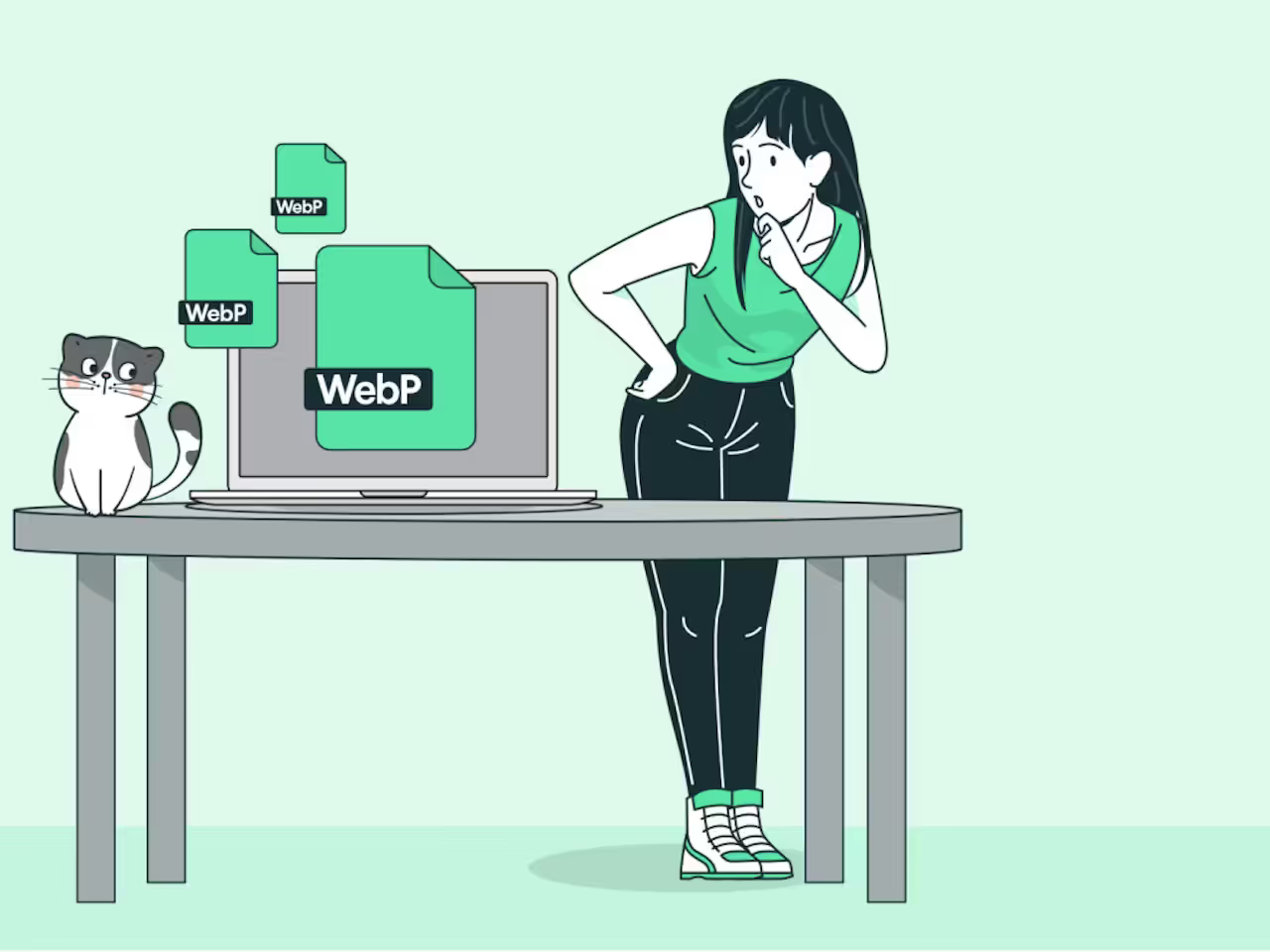
WebP is a modern image file format created by Google that makes pictures much smaller in size while keeping them looking sharp and clear. Pronounced "WEP-ee," - it uses the .webp file extension and works great for photos, graphics, logos, and even short animations on the web.
Google launched WebP in 2010 as a faster, more efficient replacement for older formats like JPEG, PNG, and GIF. Today, almost all major browsers support it fully, and big sites like Google, YouTube, and Instagram use it to speed up loading times.
Why WebP Matters for Everyday Internet Use
Images often make up more than half the data on a webpage. Bigger files mean slower loading, especially on mobile data or slow connections. WebP solves this by shrinking files without ruining quality, helping pages load quicker, saving data, and improving user experience.
Faster sites keep visitors happy and can even help with better search rankings. As more people browse on phones, using WebP means smoother scrolling and less frustration from waiting.
A Quick History of WebP
Google introduced WebP on September 30, 2010, building on video compression tech from VP8. It started with lossy compression for photos, then added lossless mode, transparency, and animation support by 2011-2012.
Early on, only Chrome and Opera backed it fully. Safari added support in 2020, and now browser support exceeds 96% globally in 2025-2026. WebP became a standard choice for web performance.
Key Features of WebP Files
WebP offers two main types of compression:
- Lossy — Reduces file size by removing some data (like JPEG), but looks almost the same to the eye.
- Lossless — Keeps every detail perfect (like PNG), yet still smaller.
Other helpful features include:
- Transparency (alpha channel) in both modes
- Animation, better than GIF in most cases
- Support for millions of colors
- Smaller files — often 25-34% smaller than JPEG and 26% smaller than PNG at similar quality
Pros And Cons of WebP
WebP shines in many areas but has trade-offs.
Advantages:
- Much smaller files for faster websites
- Good quality for photos and graphics
- Transparency and animation support
- Works well for web use
Disadvantages:
- Not supported in very old browsers (though rare now)
- Files can sometimes look different if not converted carefully
- Larger than some newer formats like AVIF in certain cases
When to Use WebP (and When Not To)
Use WebP for:
- Website photos, product images, and banners
- Logos or icons with transparency
- Animated graphics to replace GIFs
- Any place where speed matters most
Skip or add fallbacks for:
- Very old systems or specific software that lacks support
- Print work needing maximum detail (stick with PNG or TIFF)
Most sites now serve WebP to modern browsers and JPEG/PNG as backup.
WebP delivers smaller, faster-loading images without big quality drops, making it a smart choice for the modern web. With near-universal support and proven savings, it helps create quicker, smoother online experiences.